

Making Sense of a Growing TikTok Archive
Short-form content creation includes a surprising amount of file management. Even a small publishing schedule generates clips, audio, project files, and notes. Disorganized videos can complicate reporting, collaboration, and future editing. For permitted public content, SnapTik can supplement this system with reference downloads.
Start with Your Master Footage
A dependable archive begins with the recordings and project files you control. Those assets may preserve resolution, editing flexibility, and information missing from a posted clip. A basic folder structure can distinguish raw footage from finished social posts. Do not depend on a single phone or computer for critical media files.
Using the SnapTik Website for Reference Copies
Find an accessible published TikTok video for which you have download rights. After copying Download TikTok Video Without Watermark , load SnapTik Downloader in a browser. Choose a supported file type after the available choices appear. Some videos may offer a version without the visible TikTok watermark. Keep a source-link record so the downloaded file retains its publishing context.
Use Consistent Names and Simple Metadata
File names are easier to search when they include a date and clear topic. An educator could create folders for lessons, tips, and audience questions. Simple metadata makes it easier to audit old clips before they are reused. Good documentation saves time when editors and social media managers work together.
Improve Future Posts Using Past Examples
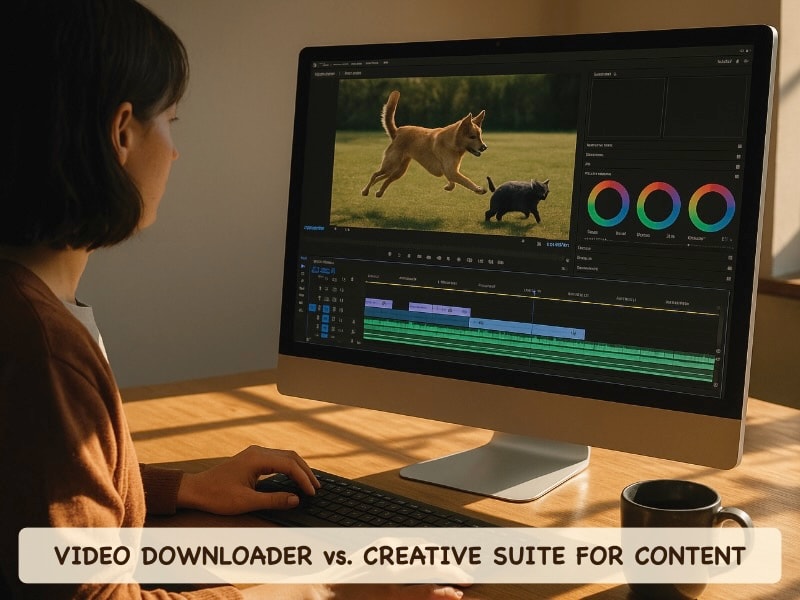
An archive offers material for evaluating storytelling, structure, and presentation. Compare videos alongside their original analytics rather than judging performance from appearance alone. Third-party examples should remain inspiration, not unrestricted republishing material. Track licenses and creator approvals before a saved asset enters another project.
Maintaining an Archive Over Time
A simple organization policy helps prevent files from being scattered across personal devices. Write down a short rule for file names, approved exports, and where references should be stored. Sensitive or commercially important assets should have appropriate access controls. Periodically confirm that important backups can actually be opened. A small amount of routine maintenance can prevent a major search later.
Keep reference-only videos in a different location from owned or licensed campaign files. Record any conditions attached to third-party footage and audio. The live post link can help establish where a particular reference came from. This distinction lowers the risk of distributing material with unclear permissions.
When reviewing past campaigns, connect each archived video to the creative brief that inspired it. Include any useful context such as the campaign theme, target viewers, and planned call to action. A thoughtful analysis uses measurable results and avoids guessing from appearance alone. Patterns in successful owned posts can inform upcoming creative decisions. A smaller collection with good annotations can outperform a huge unorganized library.
Before repurposing material, check ownership and the permission status of every asset. Different elements inside one post can be subject to distinct usage conditions. Teams should avoid treating saved references as unrestricted stock footage. Make these rules visible to everyone who contributes to the account.
Finally, schedule occasional time to remove obsolete drafts while retaining final approved assets. Separate old campaigns from current production so collaborators can find active work quickly. Keep a clear retrieval path for any asset you may need again. These practices can keep a growing content library practical for years.
Final Thoughts on SnapTik for Creators
The SnapTik workflow can complement rather than replace professional file management. Keep original exports, label downloaded references, and preserve source URLs. A structured library helps transform past posts into practical future insights.